Trading Page
The trading terminal opens on any pair from the Trade tab. The left side is the chart; the right side is the control column with four tabs: Market, Order, Book and Logs.
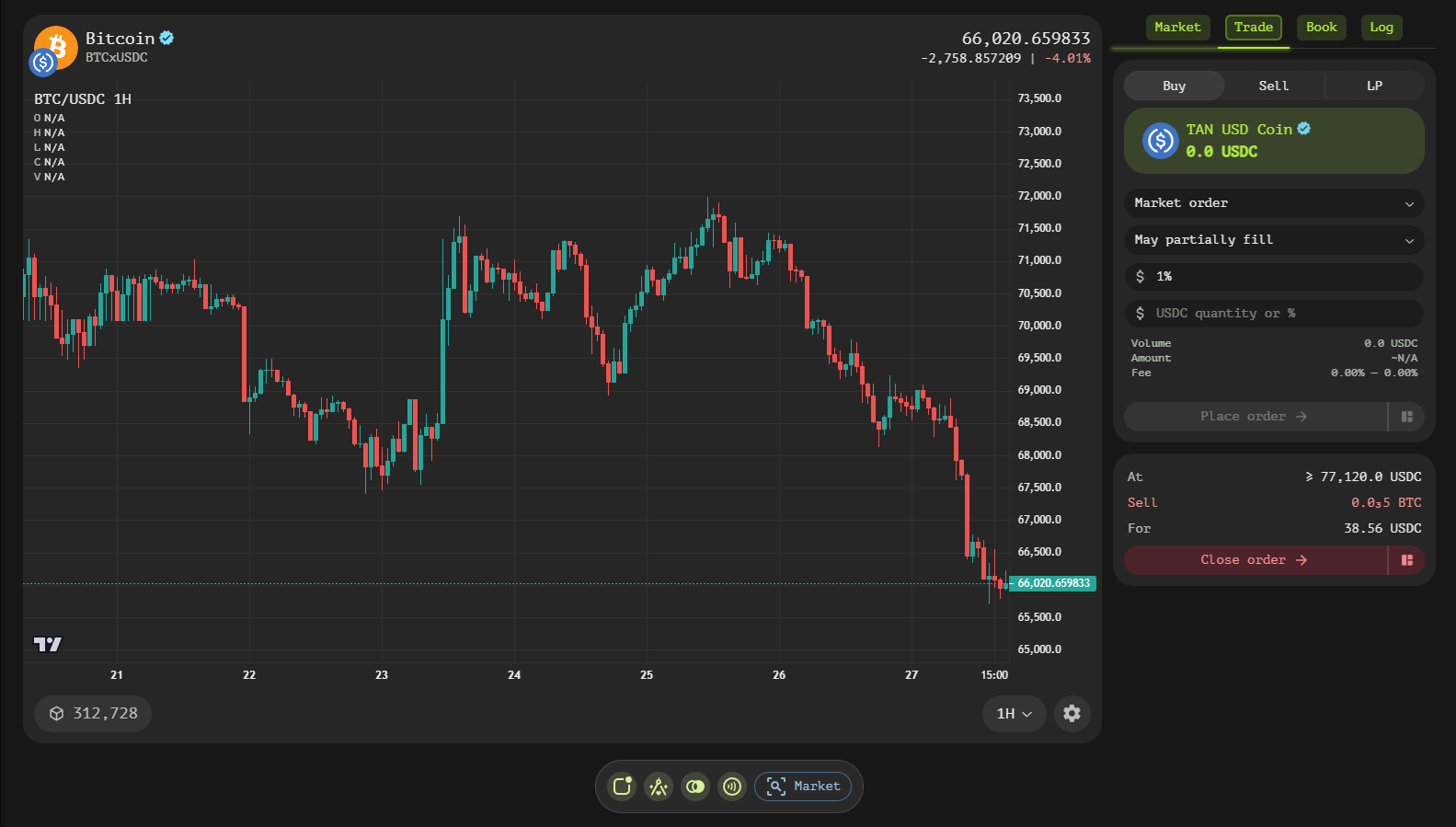
Chart
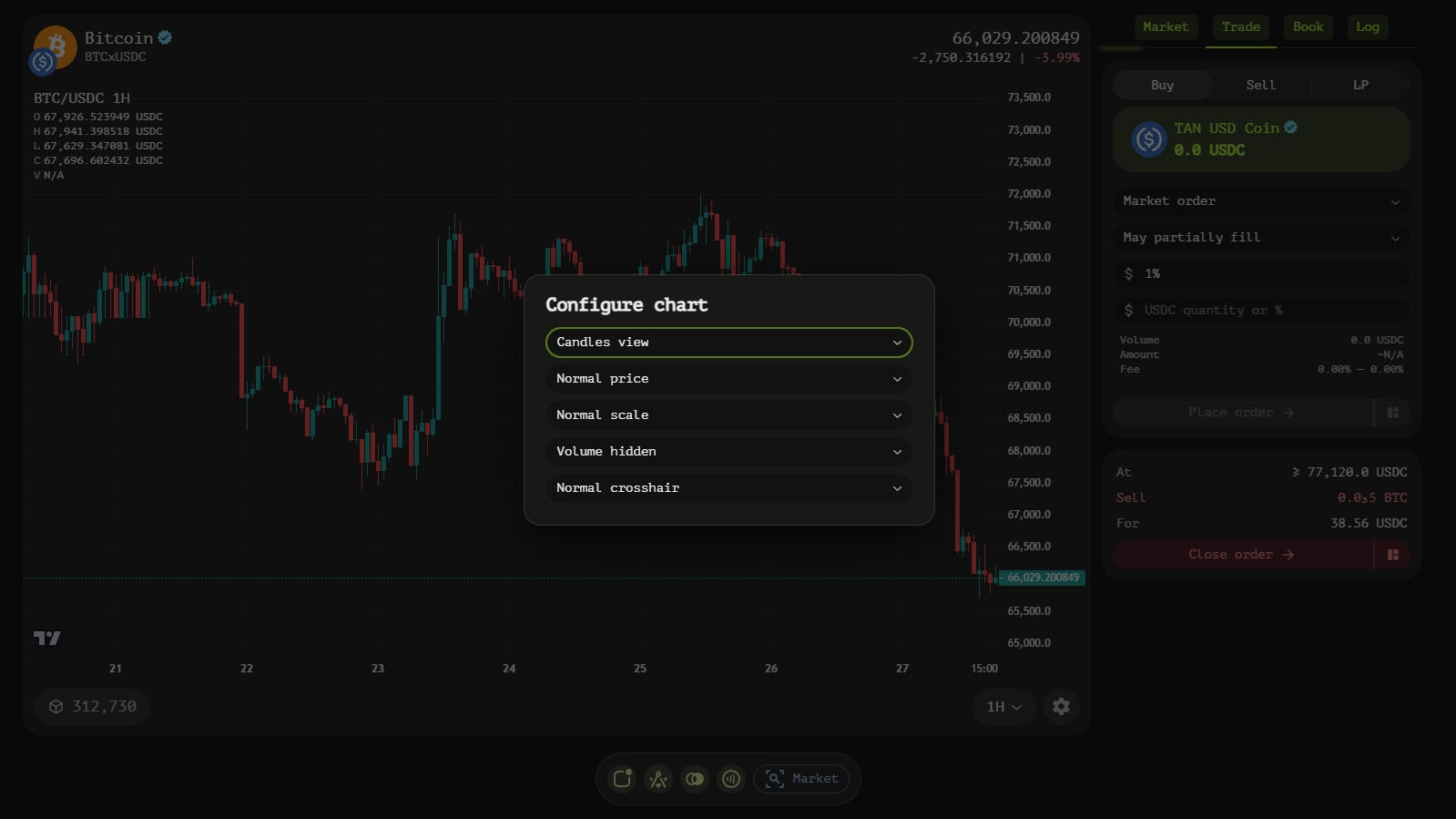
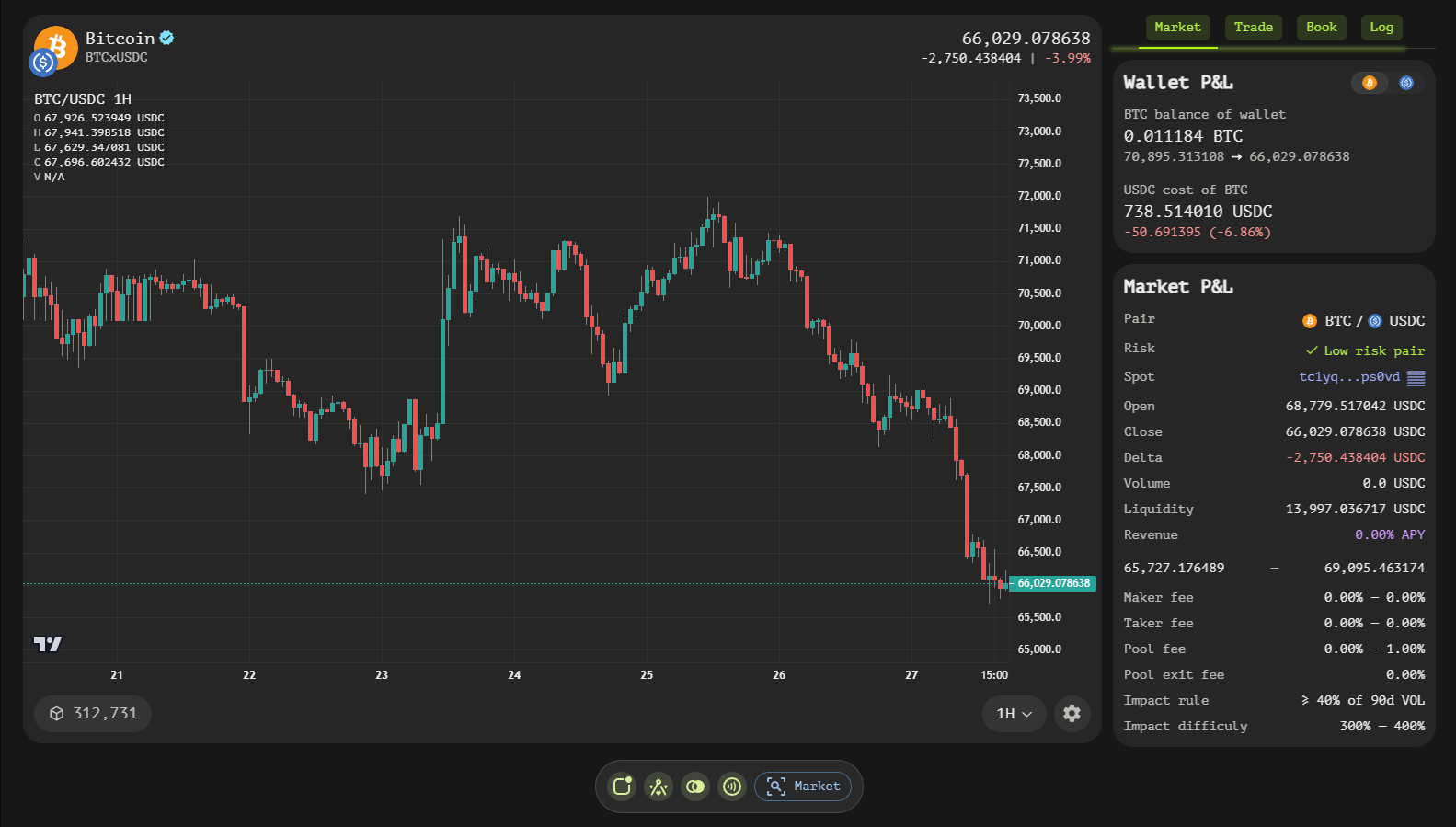
The interactive chart plots price history for the pair with the last price in the header, alongside absolute and relative 24h change. The footer holds the interval selector (30m / 1h / 4h / 1d / 1w), a countdown to the next block, and a gear that opens the chart settings: candle/bar/line presentation, price scale mode, volume display and crosshair behavior.
Market Tab
The Market tab summarizes the pair and its rules:
- Last price, 24h change — current market state.
- Best bid / Best ask / Spread — top of the order book.
- 24h range, 24h volume, Book liquidity — activity and depth.
- Maker / Taker fee — the fee band of the market contract.
- LP swap fee / LP exit fee / LP revenue — pool economics including estimated APY.
- Impact rule — the volume share that unlocks the lowest fees and how fast fees decay with volume.
- Policy account — the market contract address, linked to its portfolio view.
A Your wallet card next to it shows your balances of both pair assets and your open orders in this market.
Order Tab
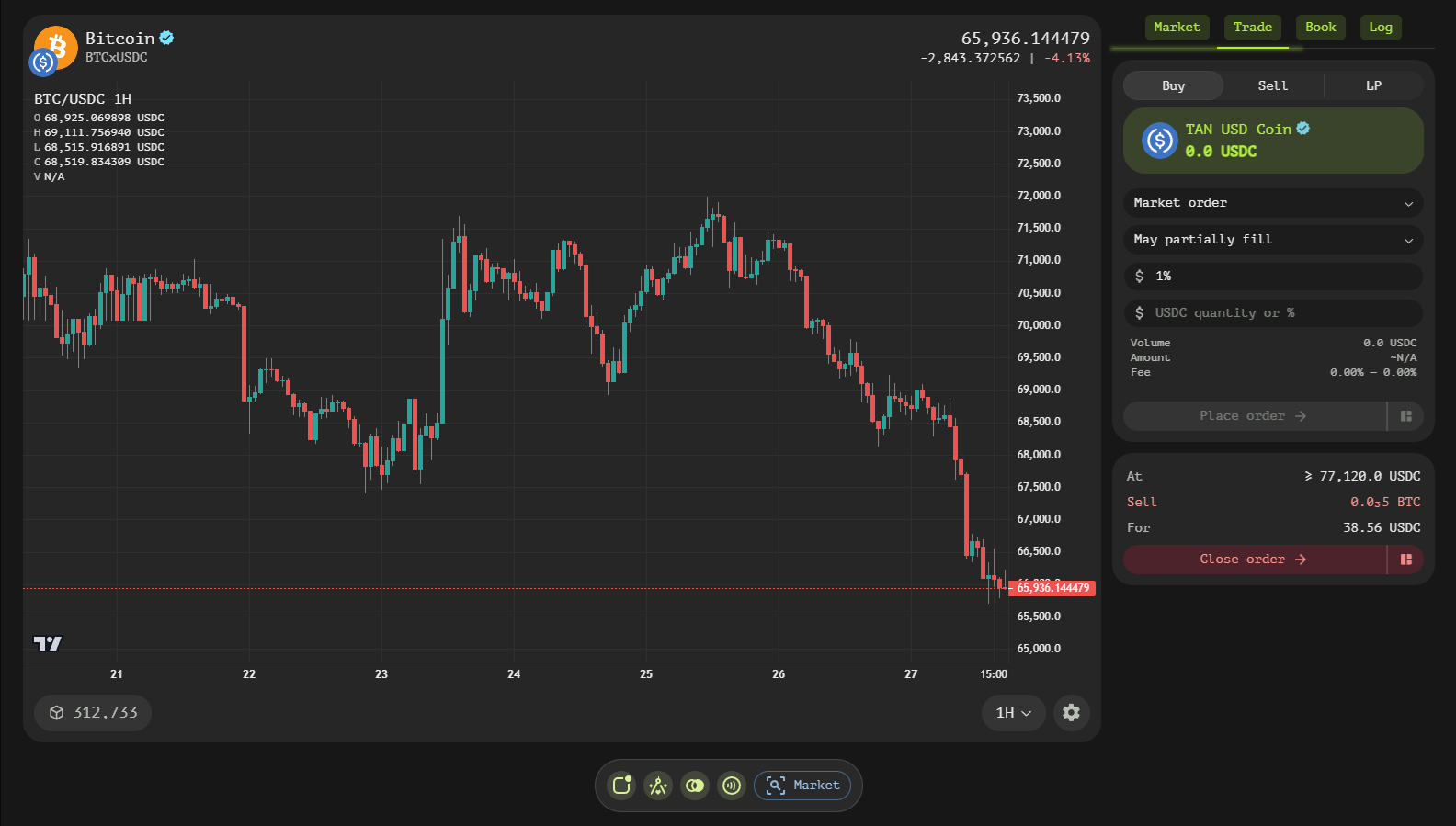
The Order tab is where orders and pools are created, with Buy / Sell / LP subtabs.
Order Maker
- Order Type — market, limit, stop, stop-limit, trailing and trailing-limit.
- Balance button — shows the spendable balance and fills the quantity with it.
- Price / Stop price — execution price and, for stop orders, the trigger price.
- Step / Distance — trailing parameters: the move that shifts the stop and the gap kept from the market price.
- Quantity — amount in the primary asset (absolute or relative).
- Fill-only switch — require complete fills.
- Fee / receive estimates — the impact tier, minimum received and the contract fee before you commit.
- Review order — simulates the order, then routes it to the payment screen for signing.
Pool Maker
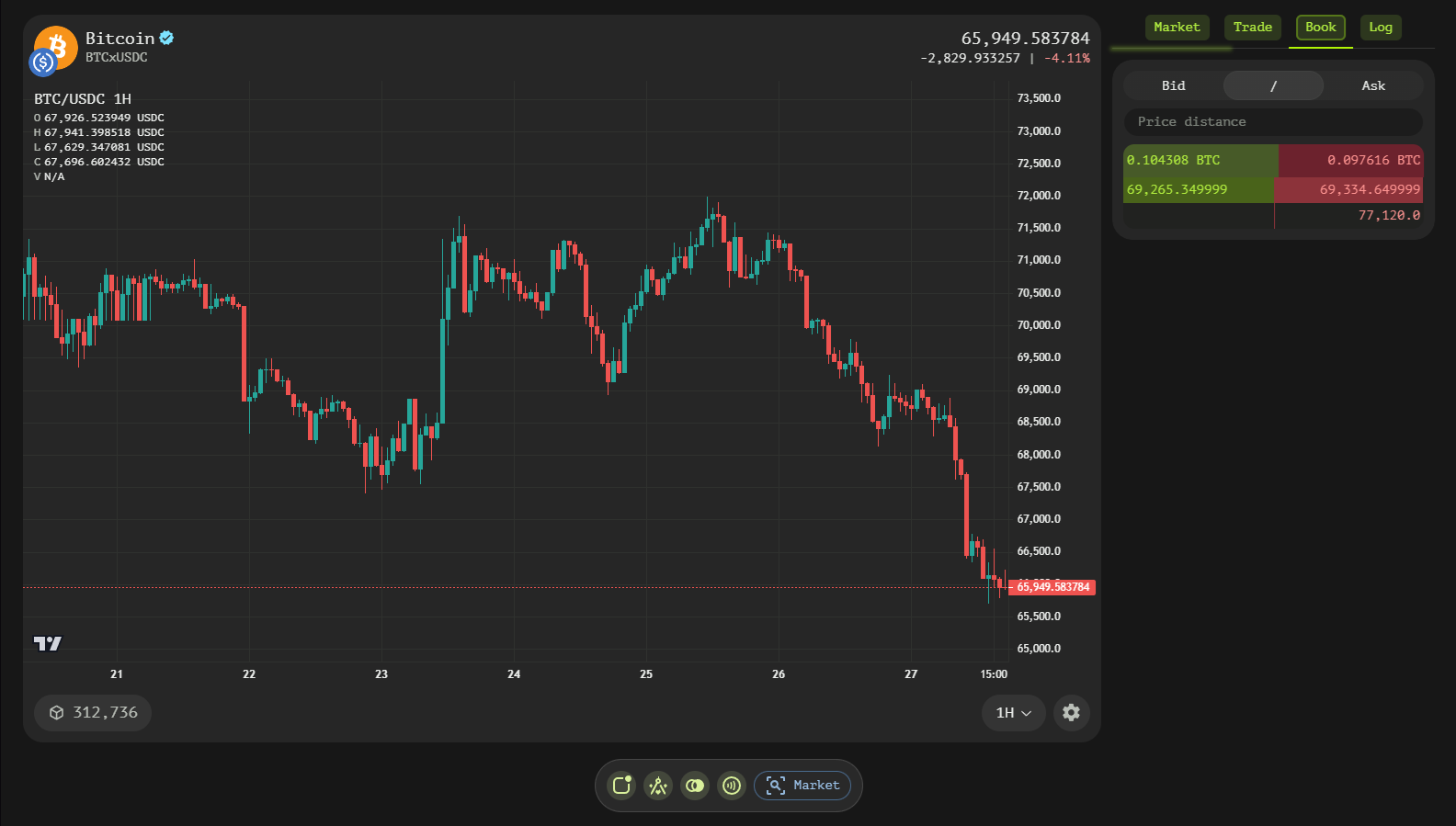
The LP subtab creates a liquidity position: set the optional min/max price for a concentrated pool, the initial price, the reserves of each token to deposit and the fee rate the pool charges. Your balances of both tokens are shown while composing.
Book Tab
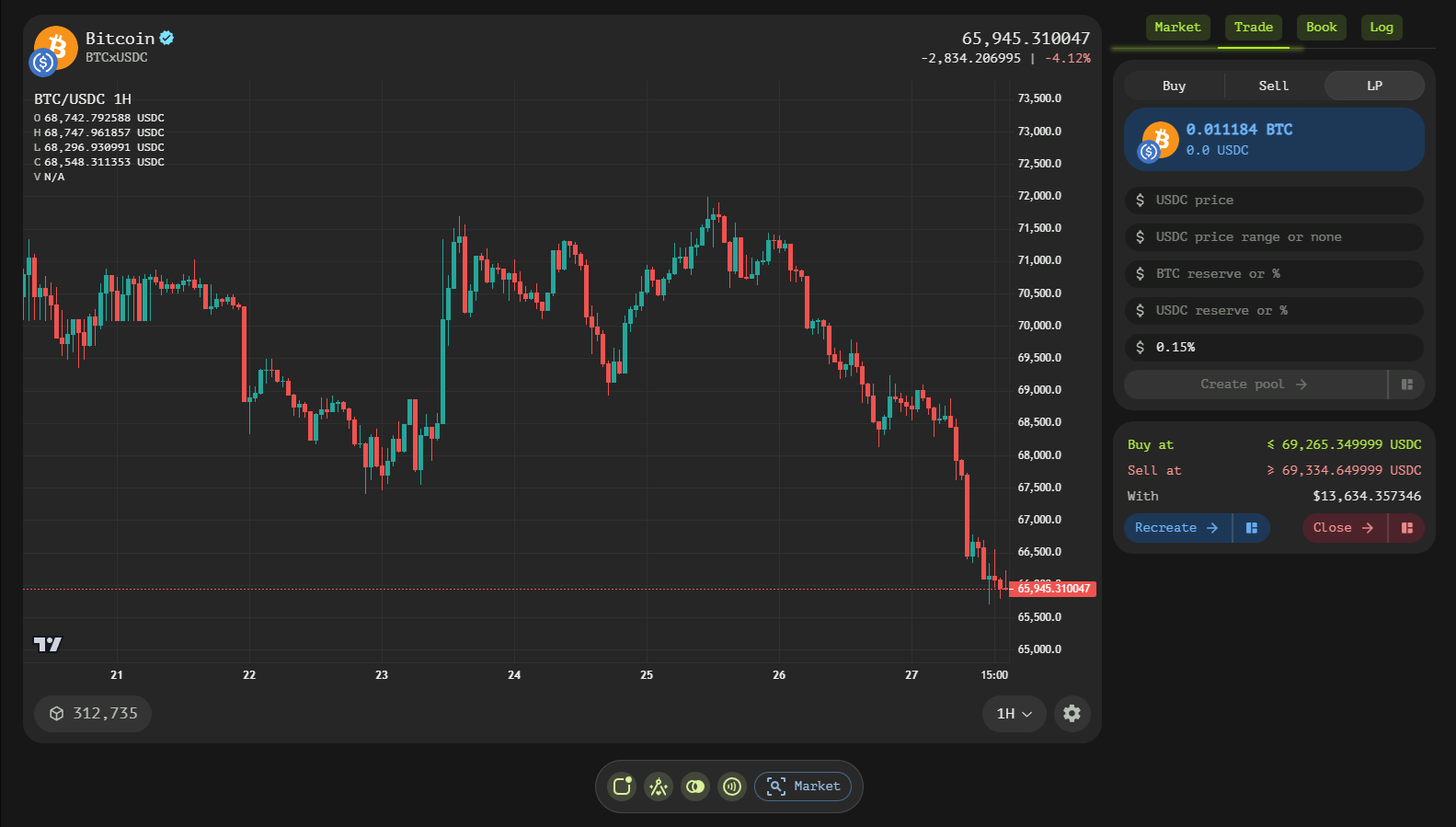
The Book tab is the vertical order book: bids on one side, asks on the other, each level with a horizontal liquidity bar. Bids / Both / Asks switches the view and the step field groups price levels to coarser granularity.
Logs Tab
The Logs tab streams market activity: fills, pushes and pulls of book liquidity with price, quantity, the acting account and age — the tape behind the chart.
Token Unification
Orders and pools can use unified tokens: variants of the same asset (for example USDT on different chains) are summed and traded as one unified Tangent token. After a trade, unified balances convert back to their original forms from the Wallet tab, without fees.