Config Page
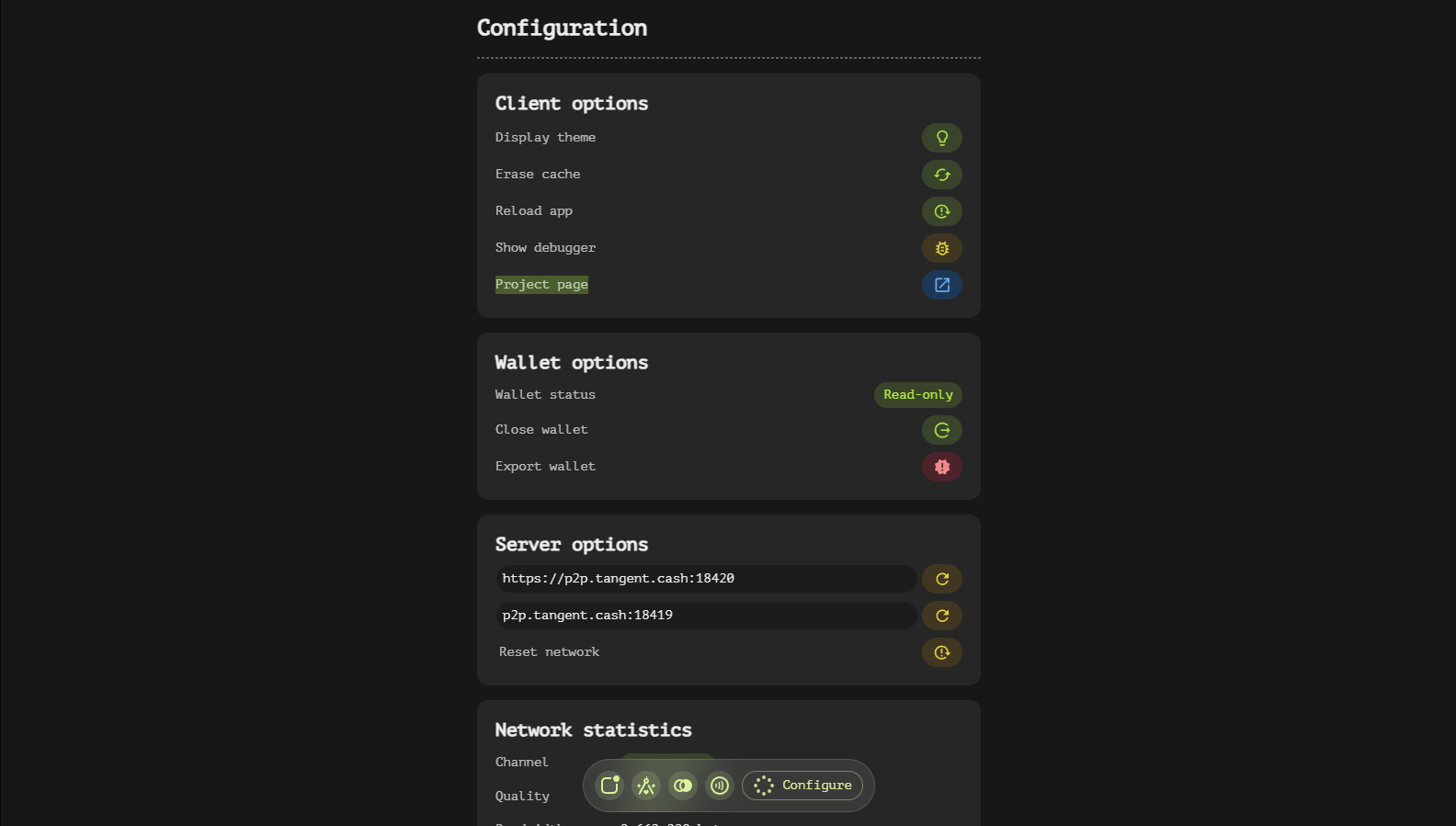
The App page (bottom-right of the navigation bar) collects everything about the client itself: wallet management, backups, appearance and RPC server settings.
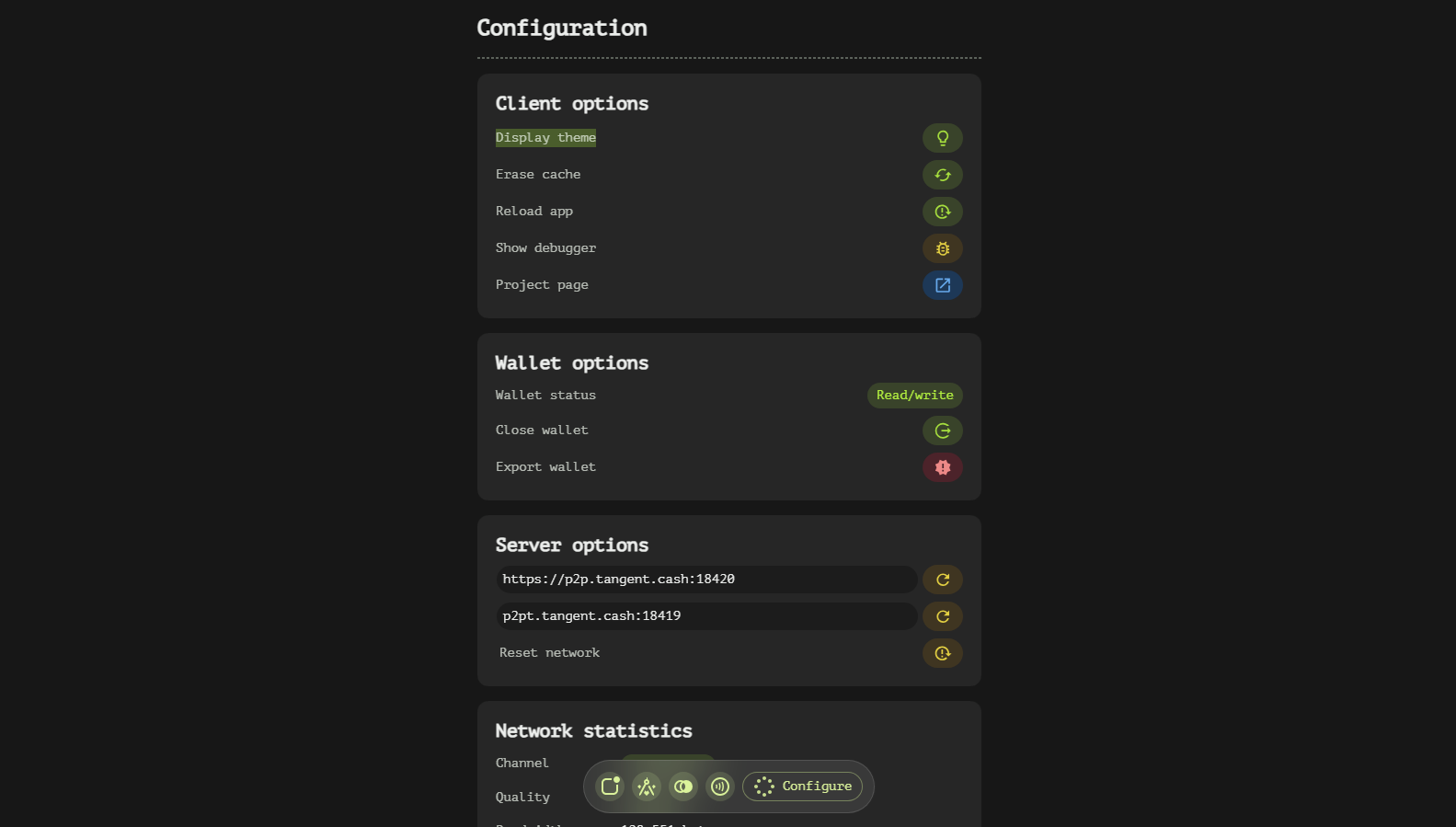
Wallet Section
Switch Wallet
The first row shows the active account. The dropdown lists every account stored on this device — pick one to switch to it, or use Add wallet to create or import an additional wallet next to the current one.
Backup Wallet
Backup wallet opens the export menu. Everything here requires the wallet password, and every item is meant to be stored offline:
- Download wallet file (.json) — the encrypted wallet file.
- Reveal recovery phrase — shows the 24-word mnemonic on screen.
- Copy private key — the account secret key to the clipboard.
- Copy public key — the public key (safe to share).
- Copy public address — the receiving address.
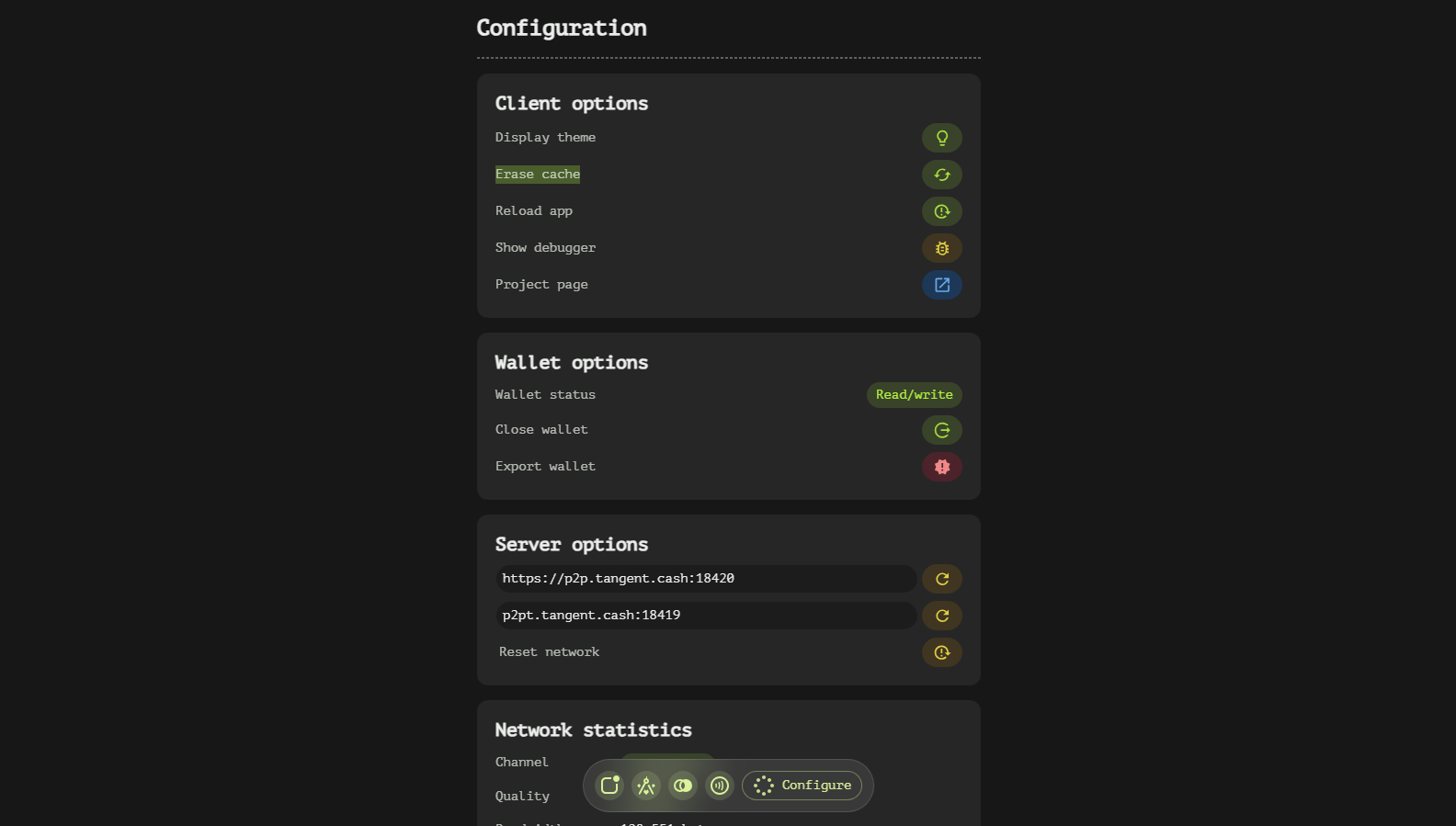
Lock Wallet
Lock wallet removes the signing key from memory. Balances and history stay visible; signing requires the password again. Watch-only wallets are permanently locked by design and show a LOCKED badge across the app.
Destroy Wallet
Destroy wallet erases the encrypted keys from this device. A confirmation dialog explains that on-chain funds at your address are untouched and can be recovered anywhere with the phrase. When several wallets are stored, the dialog distinguishes Wipe wallet (active wallet only) from Wipe all.
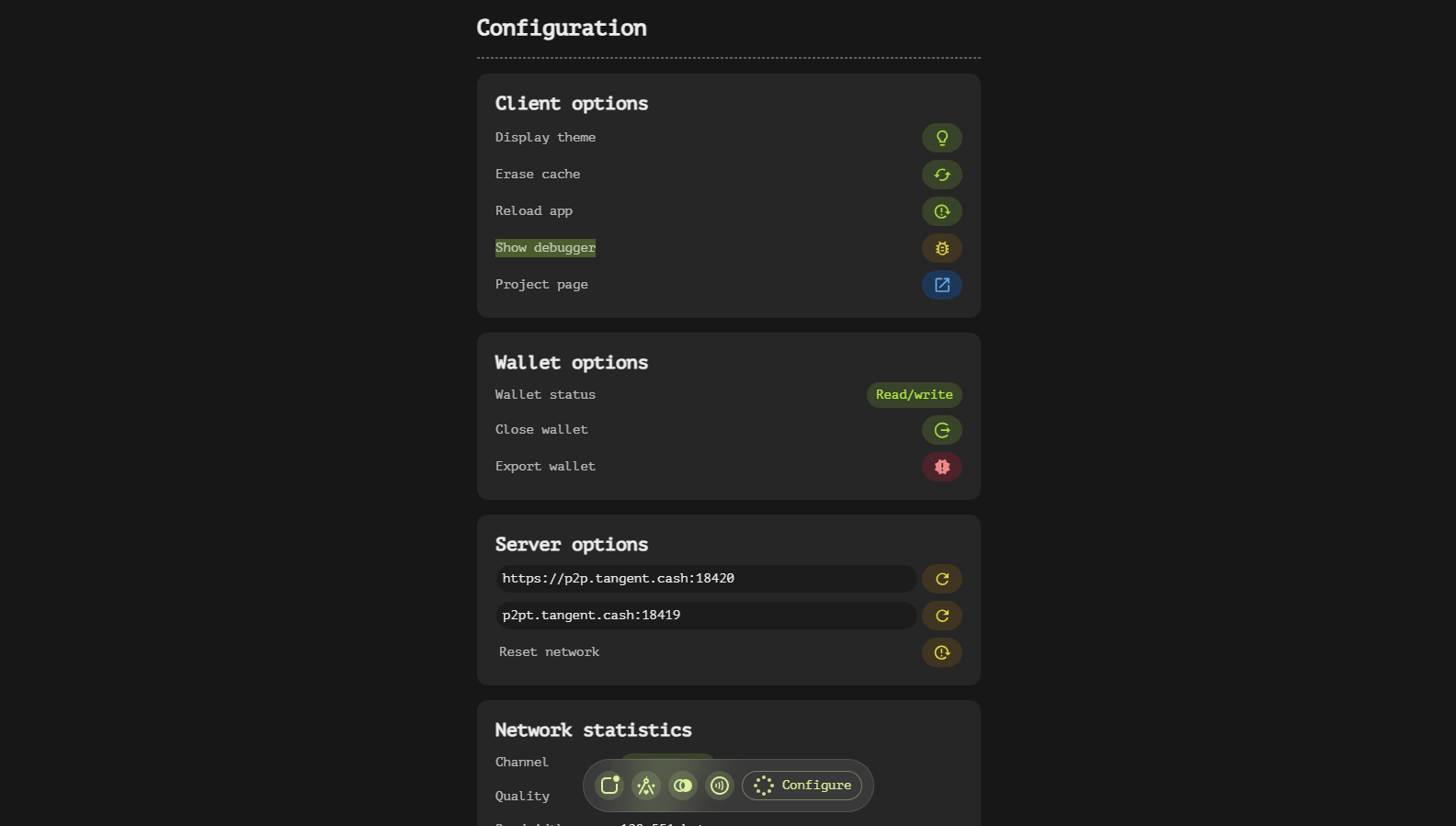
Client Section
Manage Client App
- Debug app — opens the developer tools (Desktop version only).
- Restart client — reloads the application.
- Reset network — re-acquires the RPC connection and refreshes network settings.
- Clear cache — erases the locally cached RPC data.
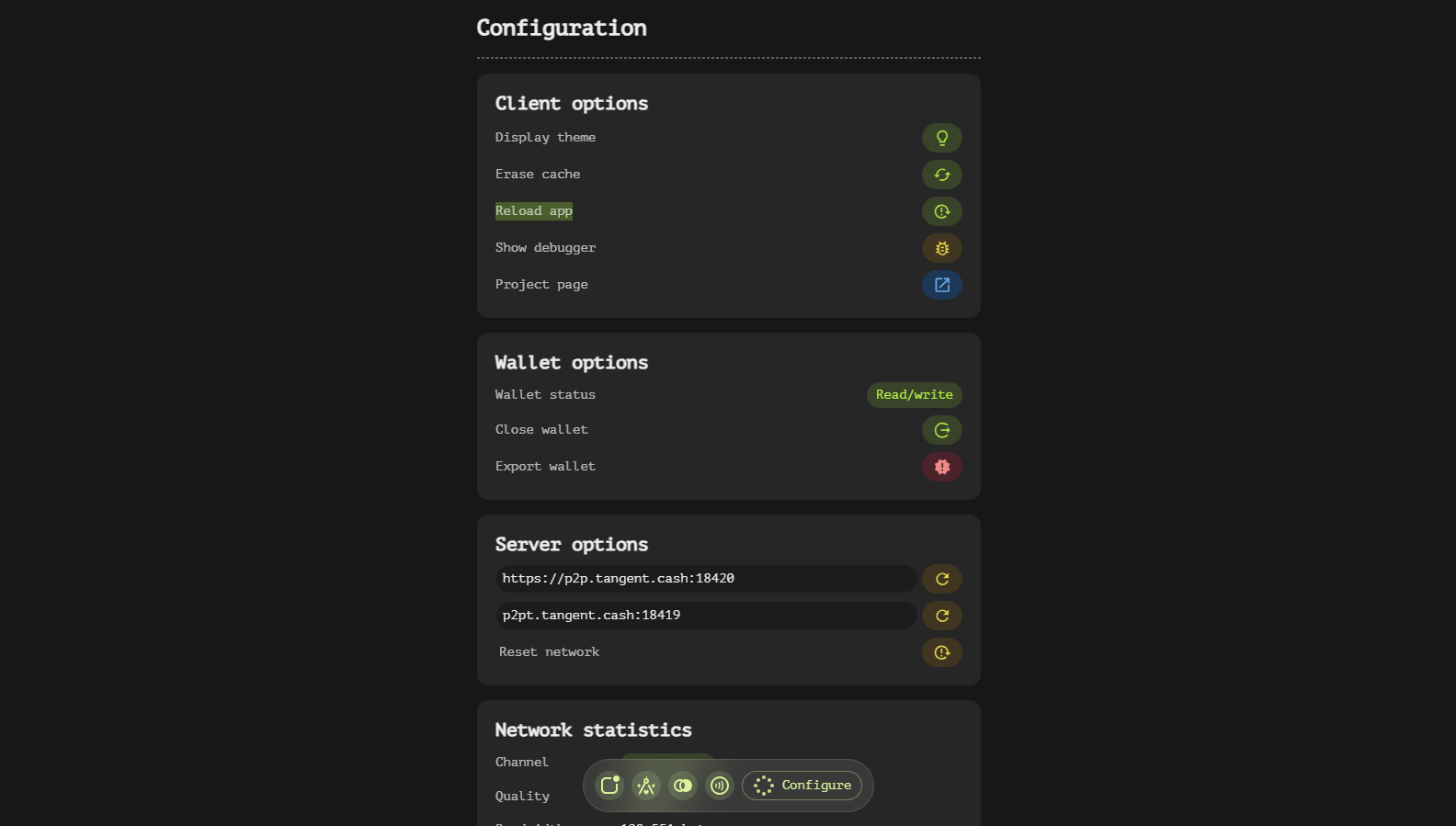
Lights
A switch toggles between the dark theme (inverted surfaces, the default) and the light theme for bright rooms.
Version
Shows the build license — MIT, open source — linking to the full license and terms on the Legal page.
Network Section
RPC Servers
- Validator RPC (
hostname:port) — the node serving blocks, accounts and the mempool. Leave empty for the built-in default or point the app at your own node. - Exchange RPC (
http://…) — the read-only DEX indexer used by the Dex tab.
Press Save RPC settings to apply. Custom endpoints are persisted per device.
Connection Status
Below the fields the app reports the live connection state — an ONLINE/OFFLINE badge and accumulated traffic (↓↑ bytes) — with a Reset chip to re-handshake without touching the saved addresses.