Explorer Page
Market discovery happens on the Dex page's Trade tab: a searchable list of every trading pair on the order book markets, with the tools to create missing ones.
Search and Discovery
The search bar (Search pairs: BTC / USDC) filters pairs by symbol as you type. A market selector accommodates additional order book contracts, so new market standards — such as futures books — slot into the same view when they arrive.
When a search matches no existing pair, the app offers to build one: choose the base and quote assets and the new pair appears at the top of the list, ready to trade.
Adding Tokens
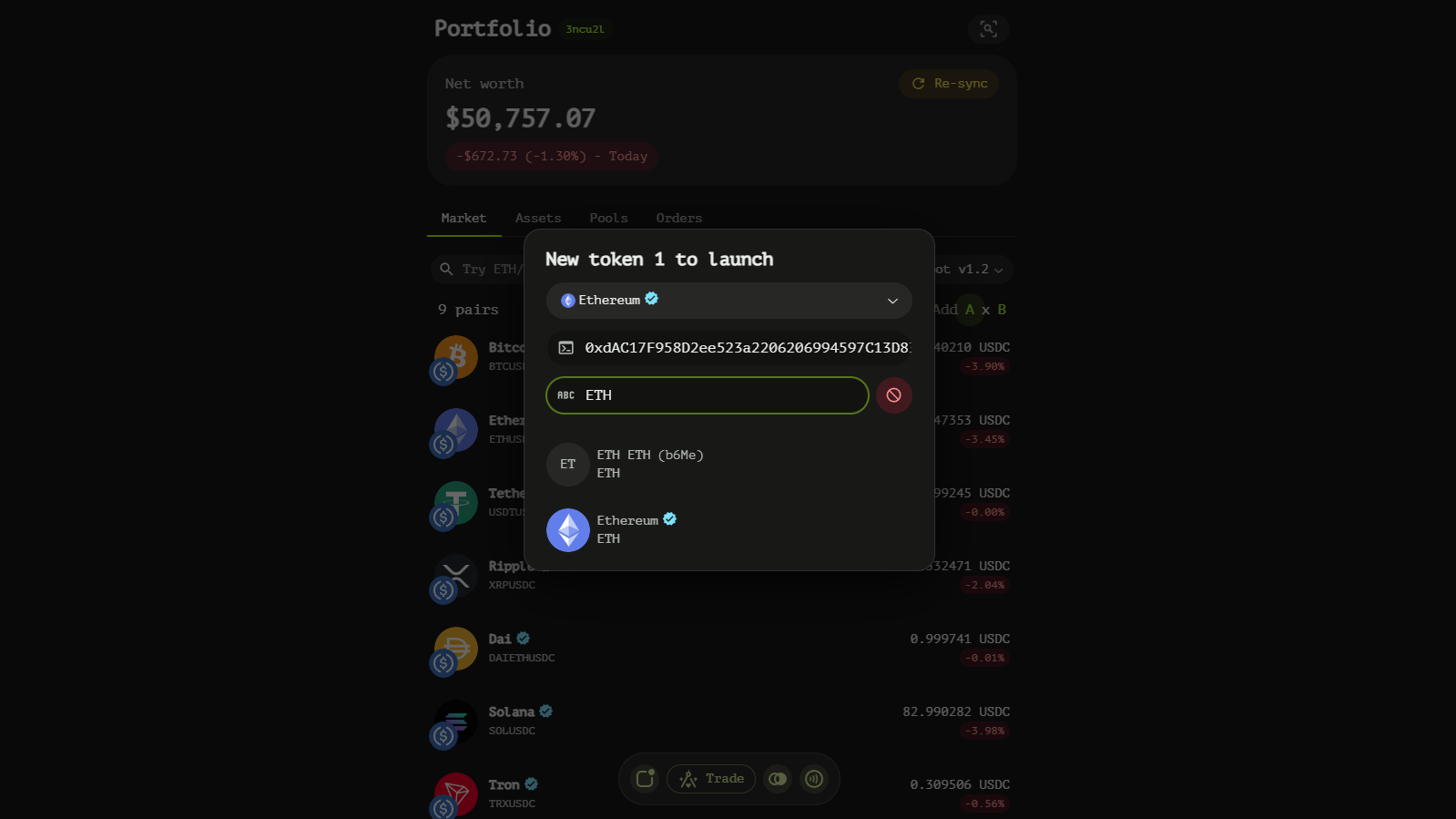
Pair creation goes through the token search dialog. It searches known tokens by symbol; if the token you need isn't listed yet, press the + button to switch the dialog into linker mode and describe the token manually:
- Token's blockchain — pick the chain the token lives on.
- Token's contract address — its address on that chain.
- Token's symbol — the display symbol.
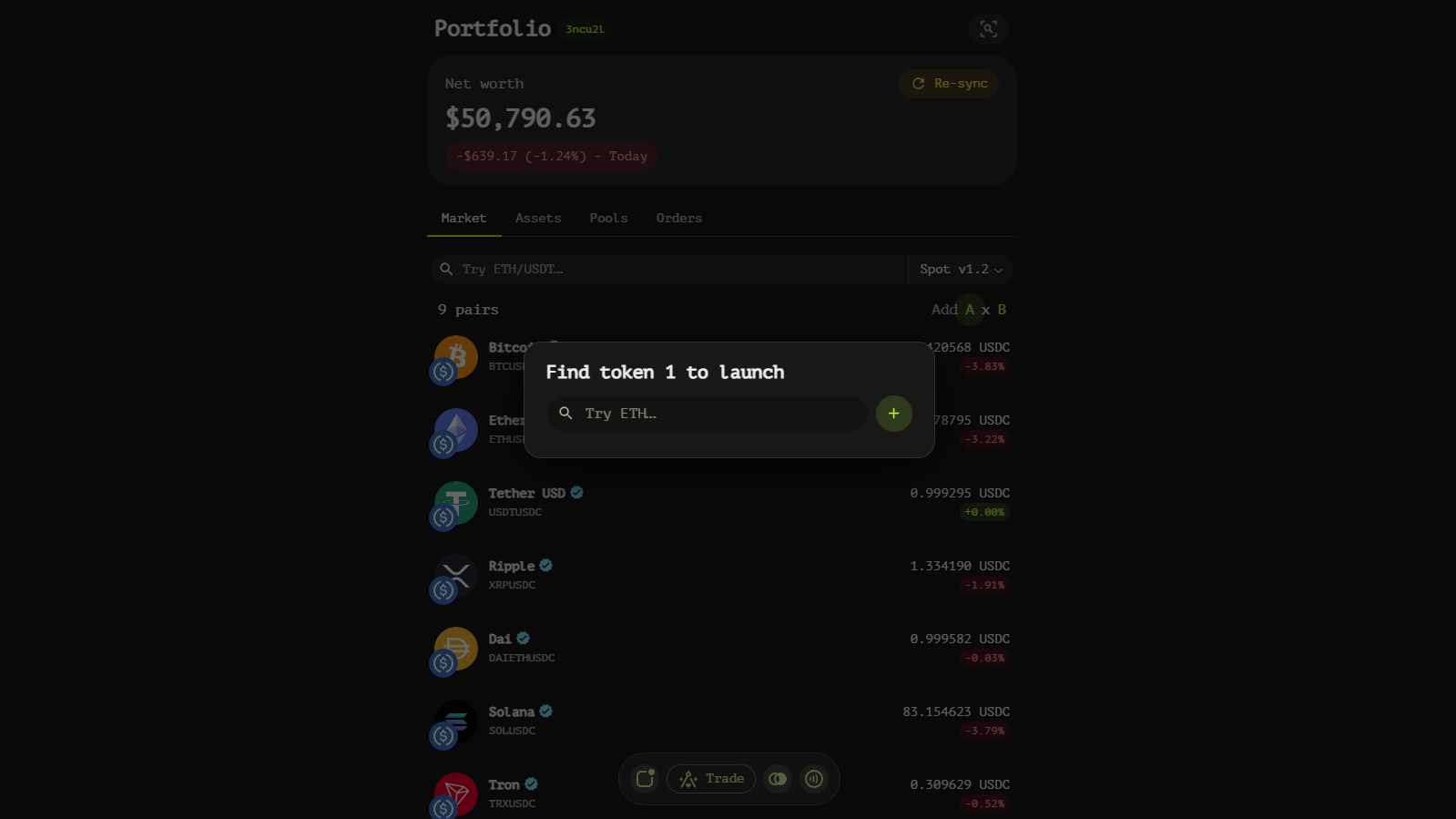
Once both assets of a pair are defined, the pair is created on-chain and joins the list.
Trading Pair List
Every row of the list shows:
- Pair name — the primary and secondary assets (
BTCxUSDC). - Price — the latest market price in the quote asset.
- Change — the 24h move, absolute and relative.
Clicking a row opens the trading terminal for that pair.
Navigating
- Search for the pair you want on the Trade tab.
- Create missing pairs via base/quote selection; link new tokens when needed.
- Open any pair to trade, swap or provide liquidity.