Setup Page
The Setup page handles wallet creation, import and reset. It is the first screen you see on a fresh install and is reachable later through the wallet switcher. From here you also pick the blockchain network the wallet will operate on.
Network Selection
The network pill at the top of the card switches the target network before keys are created:
- Reglocal — a private local node used for development and testing.
- Testnet — a public test network with the same rules as Mainnet, but with valueless coins.
- Mainnet — the live production network (marked LIVE).
Address prefixes follow the network: Mainnet addresses start with tc, test networks use their own prefixes, and the import forms validate against the selected network.
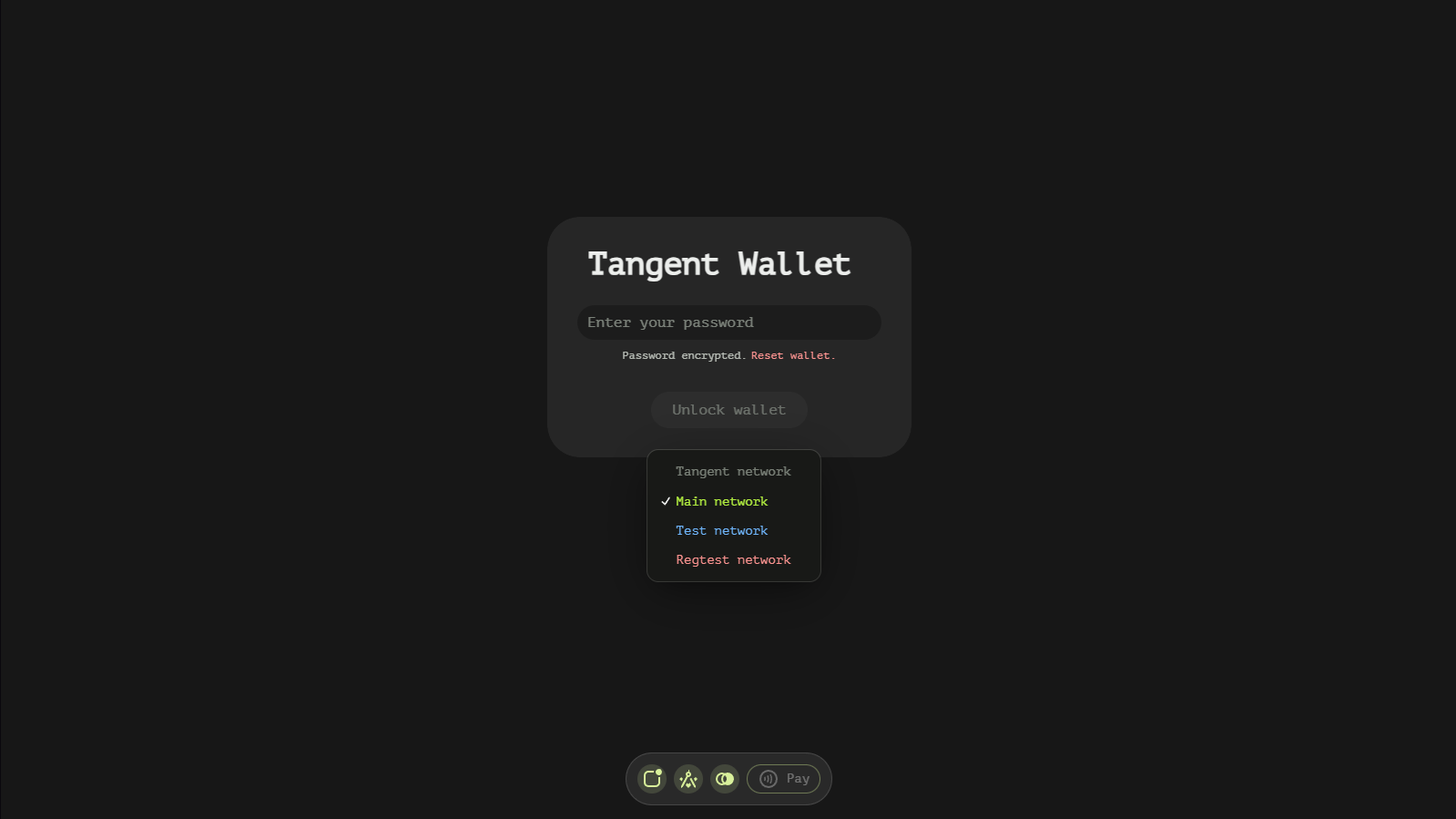
The dropdown lists the three networks with short descriptions:
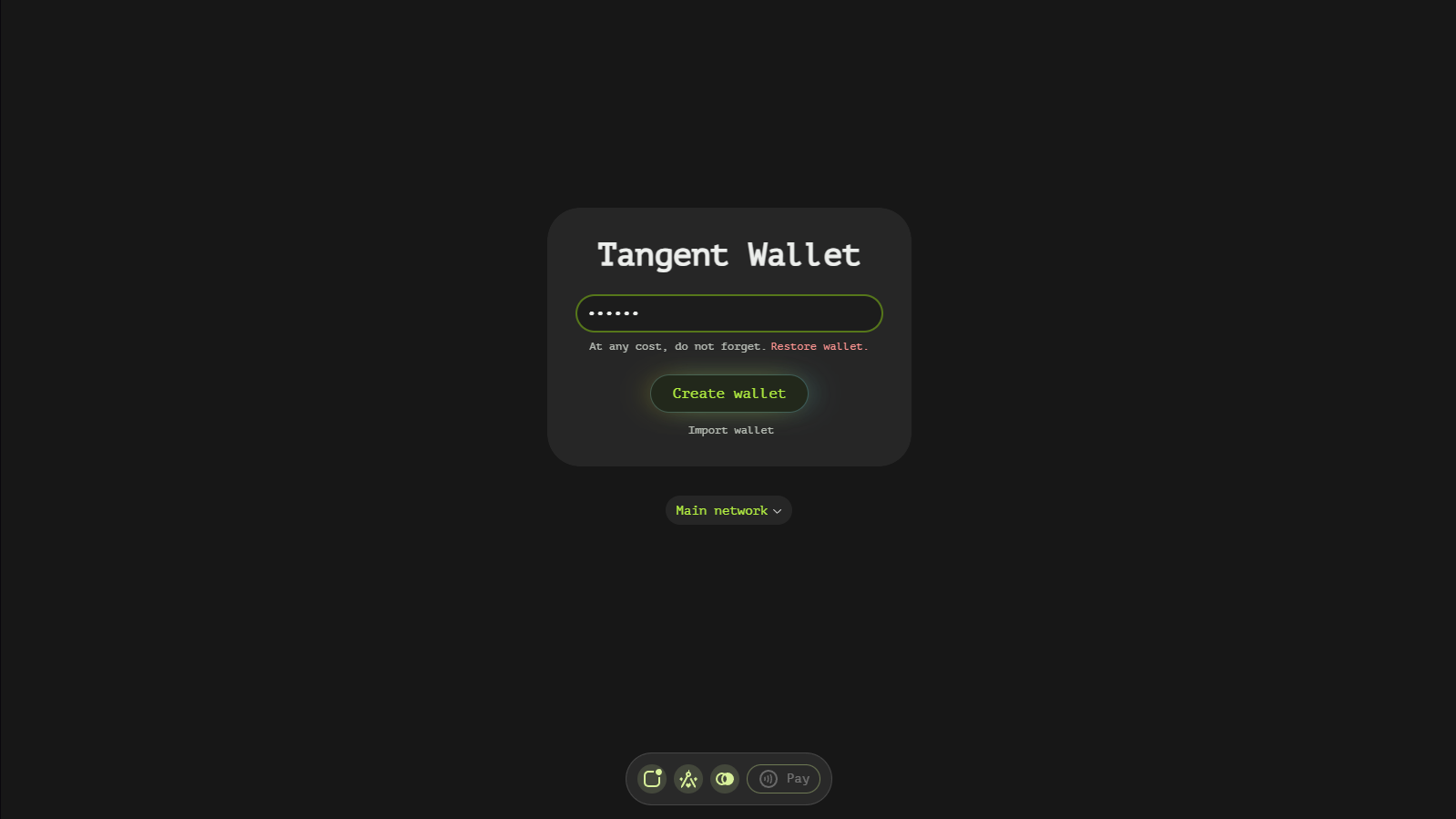
Wallet Generation
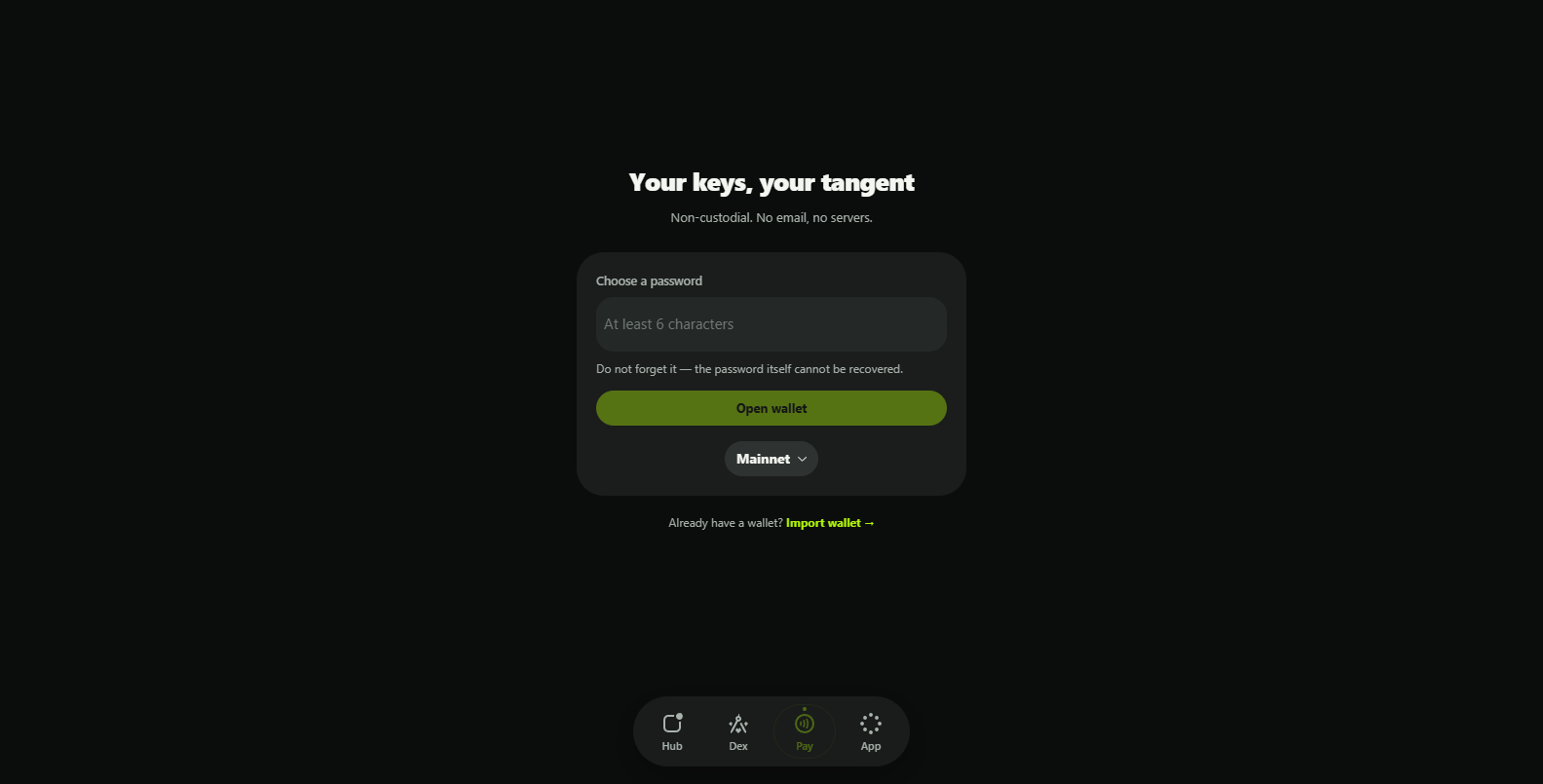
- Password Entry — the page defaults to creating a new wallet. Choose a password that encrypts the wallet keys on this device.
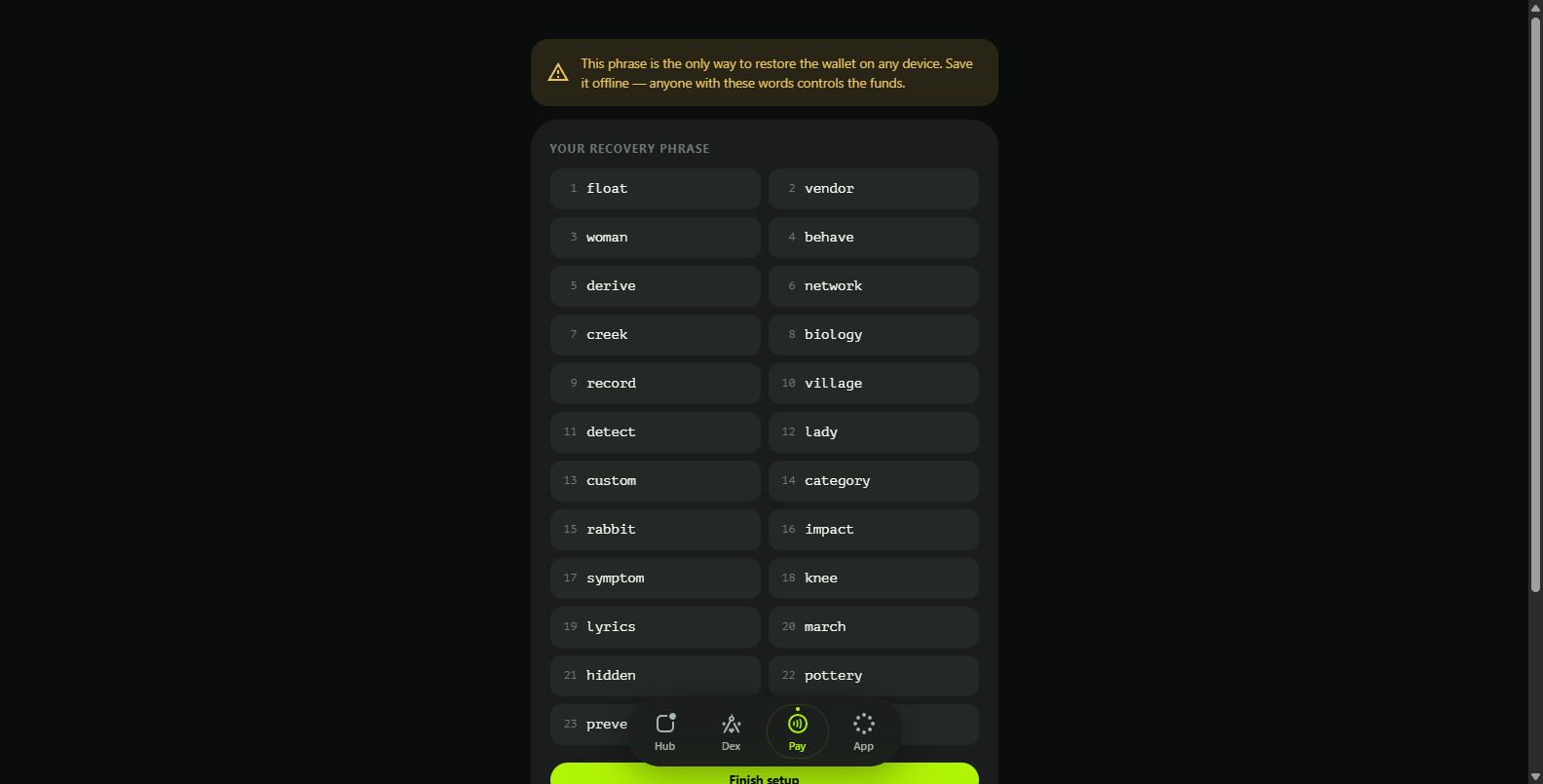
- Recovery Phrase — a 24-word mnemonic is generated and shown for confirmation. Save the words in the exact order: they are the only way to recover funds if the device is lost. The password itself cannot be recovered.
- Finish Setup — confirm the phrase to activate the wallet.
Wallet Import
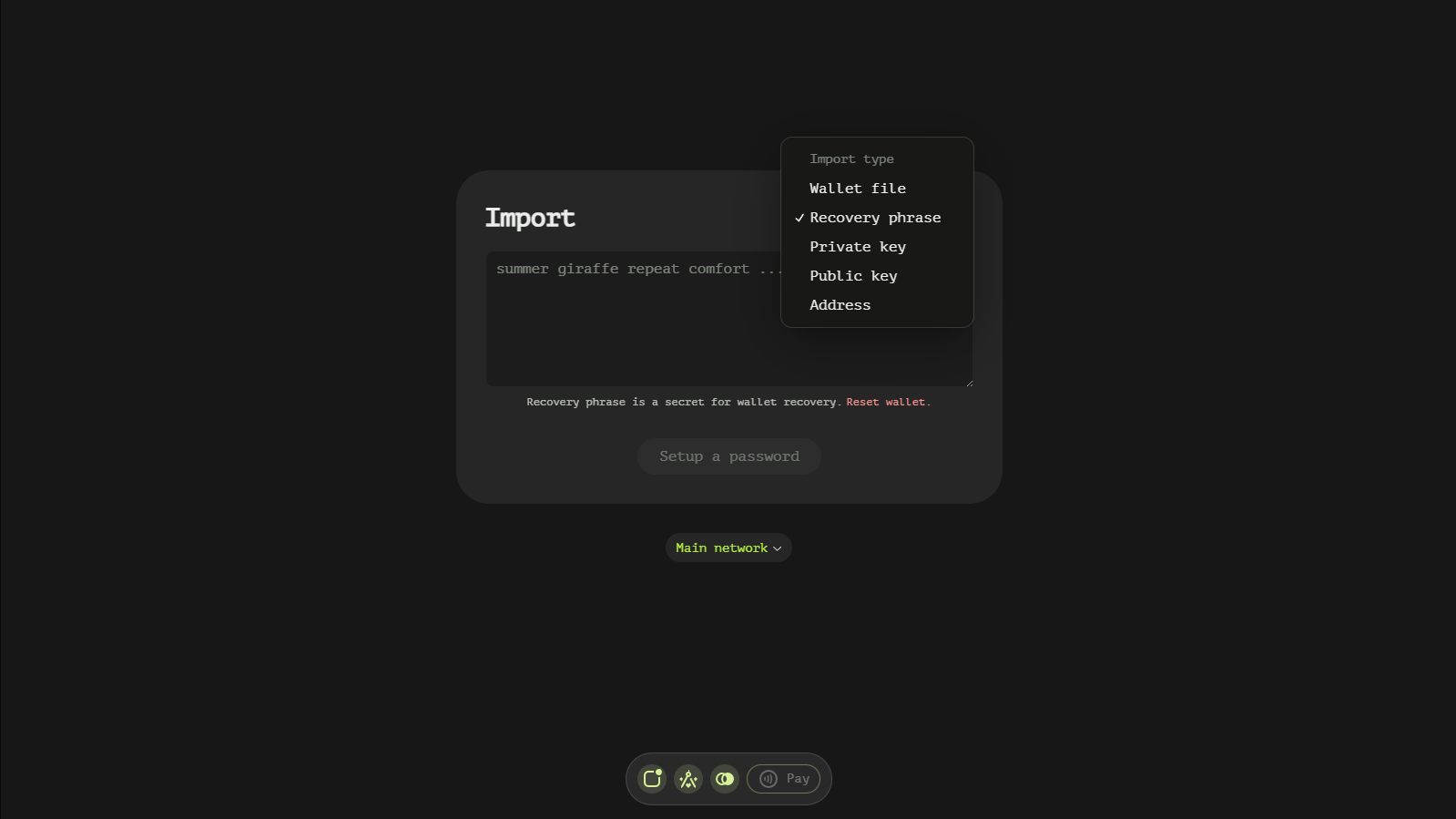
Press Already have a wallet? Import wallet to bring existing credentials on board. The Import source dropdown selects what you are importing:
- Wallet file — a
.jsonwallet file exported from this app. - Recovery phrase — a 24-word mnemonic (full read-write control).
- Private key — a single account secret key (full read-write control).
- Watch-only public key — monitor and compose, no signing.
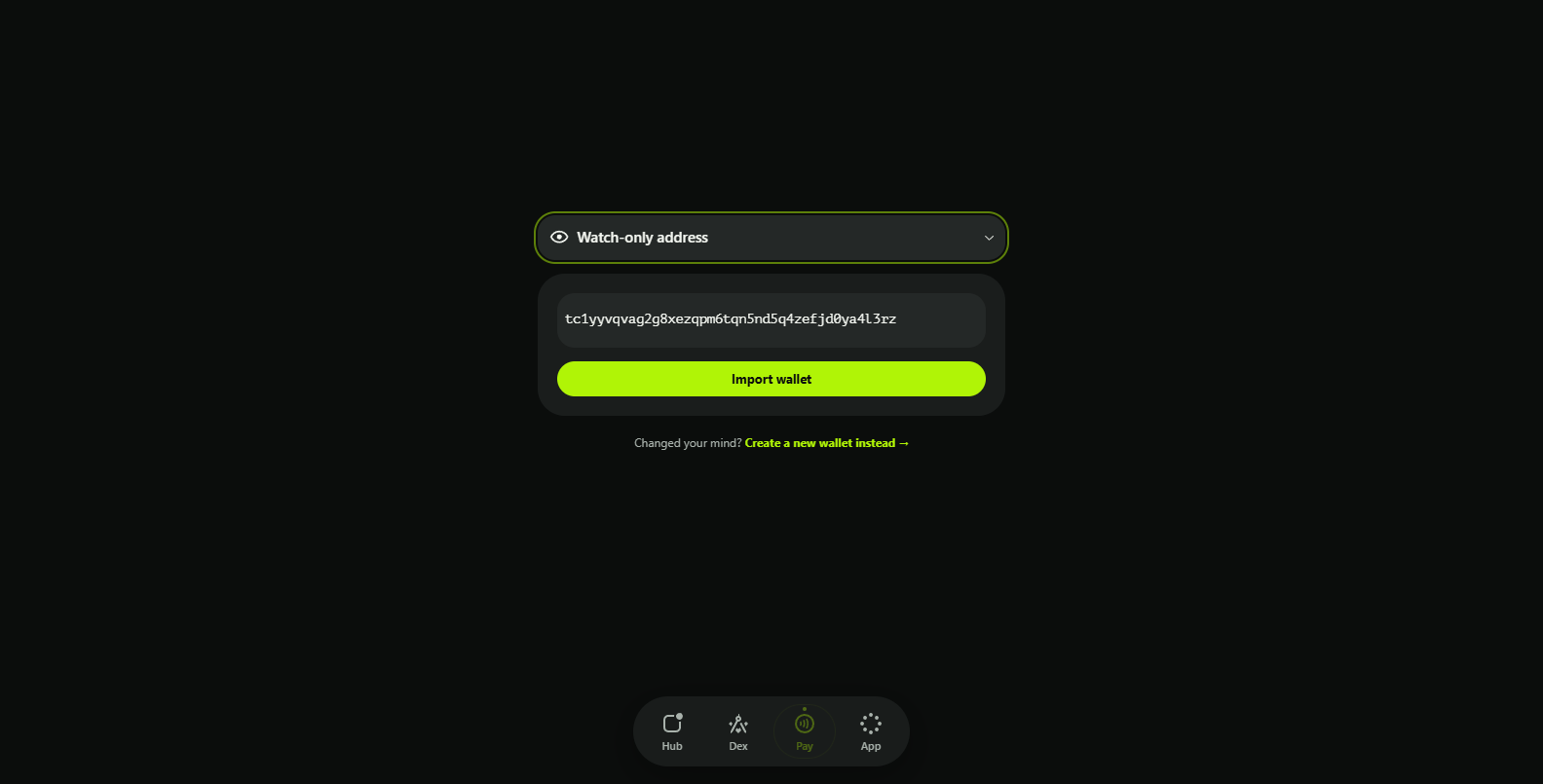
- Watch-only address — read-only mode: balances and history only.
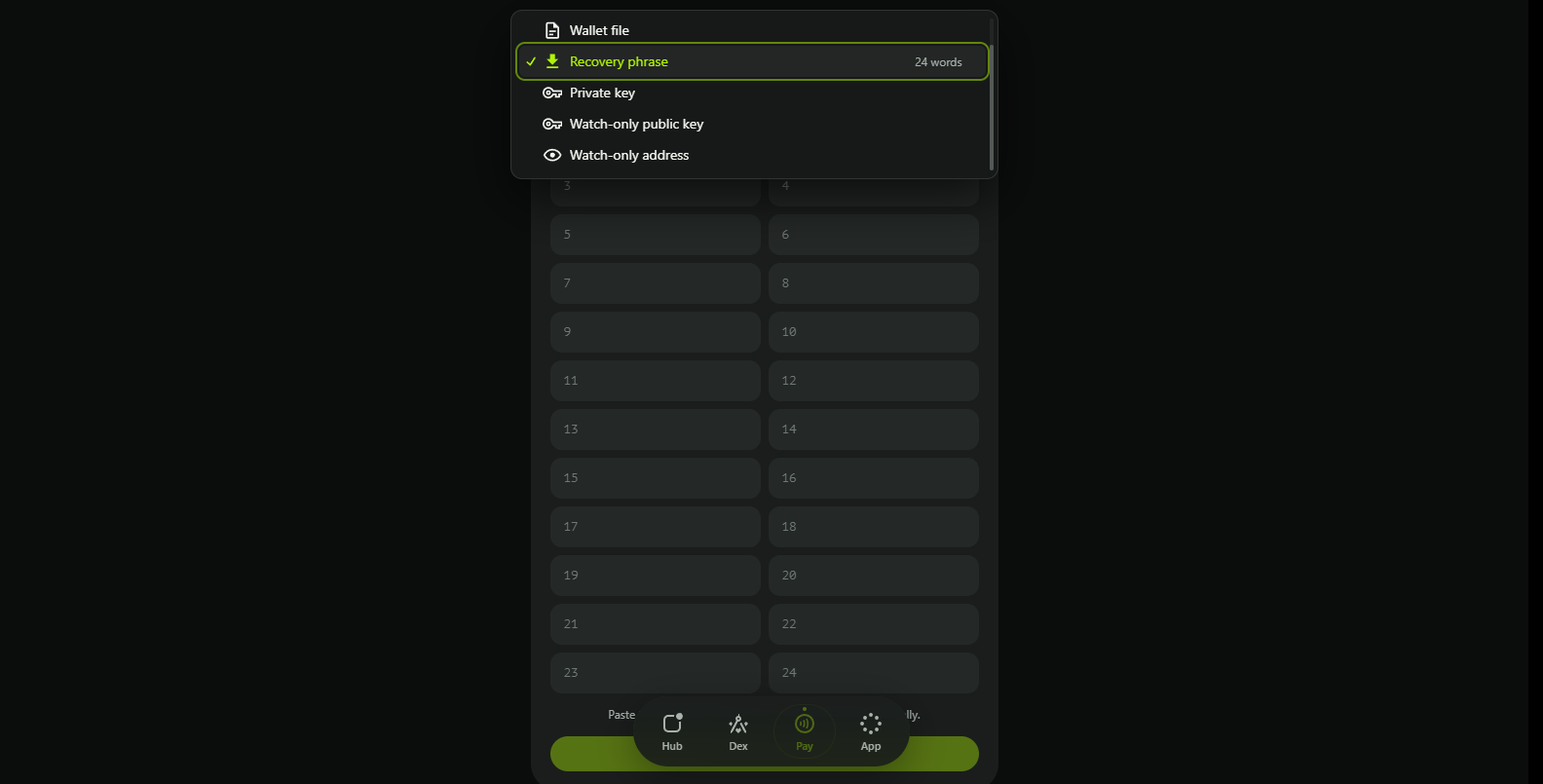
For a recovery phrase the app asks for the words one by one:
Watch-only imports take an address (or public key) and state clearly what the mode allows:
Import Process
- Select Import Type — choose one of the sources above.
- Enter Credentials or Choose File — paste the phrase, key or address, or pick a wallet file.
- Secure with Password — set the device password that encrypts the imported credentials, then press Open wallet.
Wallet Reset
Resetting follows the same flow as generation: destroy the current wallet (App → Destroy wallet) and create or import a new one from this page. On-chain funds are untouched as long as you still hold the recovery phrase.