Install
Tangent Wallet ships in two flavors that share the exact same feature set: a Web app and a Desktop application. Both talk to the same networks and store keys only on your device.
Web Version
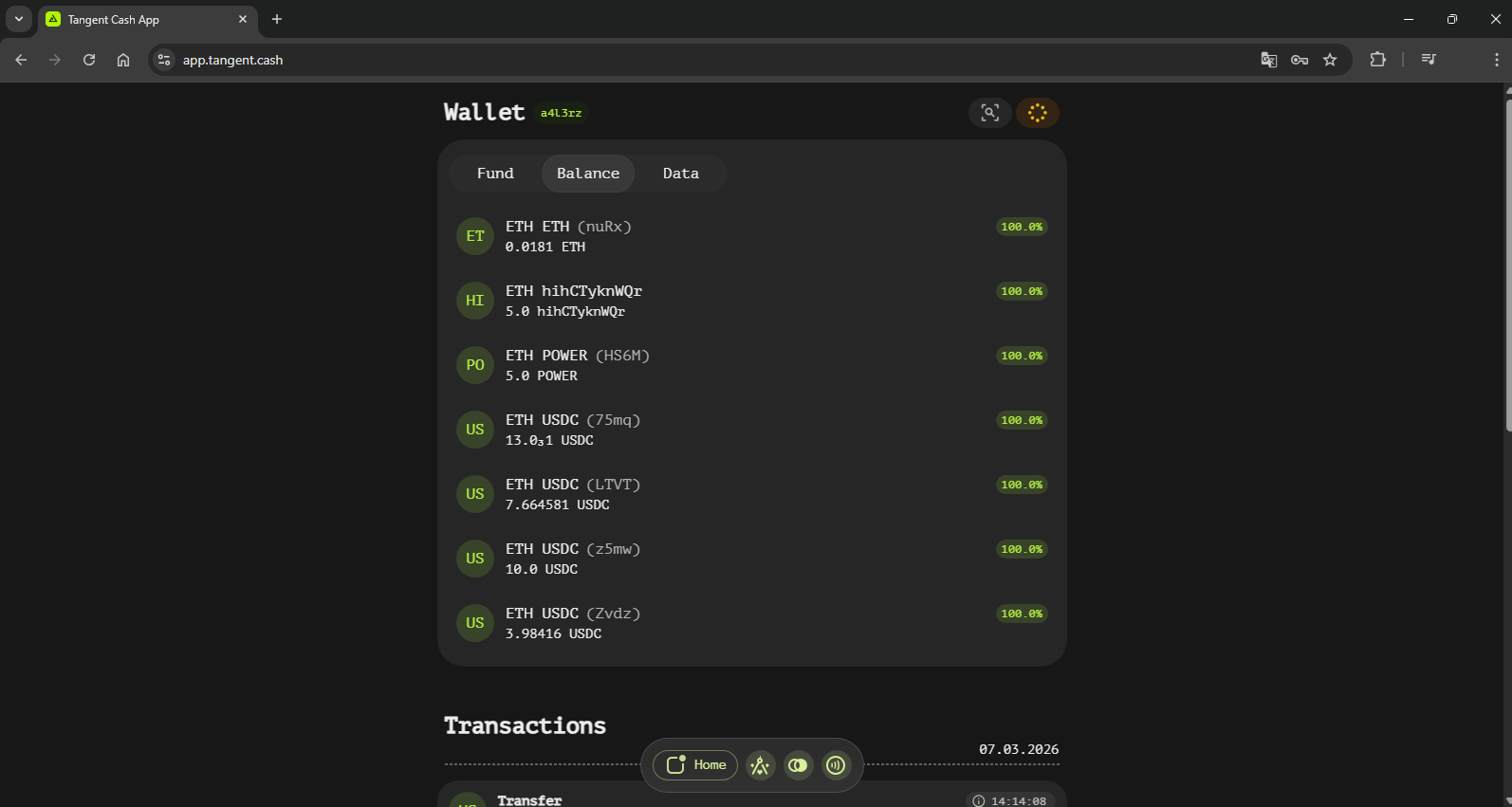
The Web version needs no installation and works in any modern browser.
- Open your preferred web browser.
- Navigate to https://tangent.cash.
- Press Open Wallet — the app loads locally in your browser; create a new wallet or import an existing one.
Benefits of the Web Version: - No installation required - Accessible from any device with a web browser - Always the latest version
Desktop Version
The Desktop version packages the same client as a native application built with Tauri.
- Open the releases page.
- Locate the latest release of the Tangent Wallet Desktop application.
- Download the installer for your operating system (Windows, macOS or Linux).
- Run the installer and launch the app.
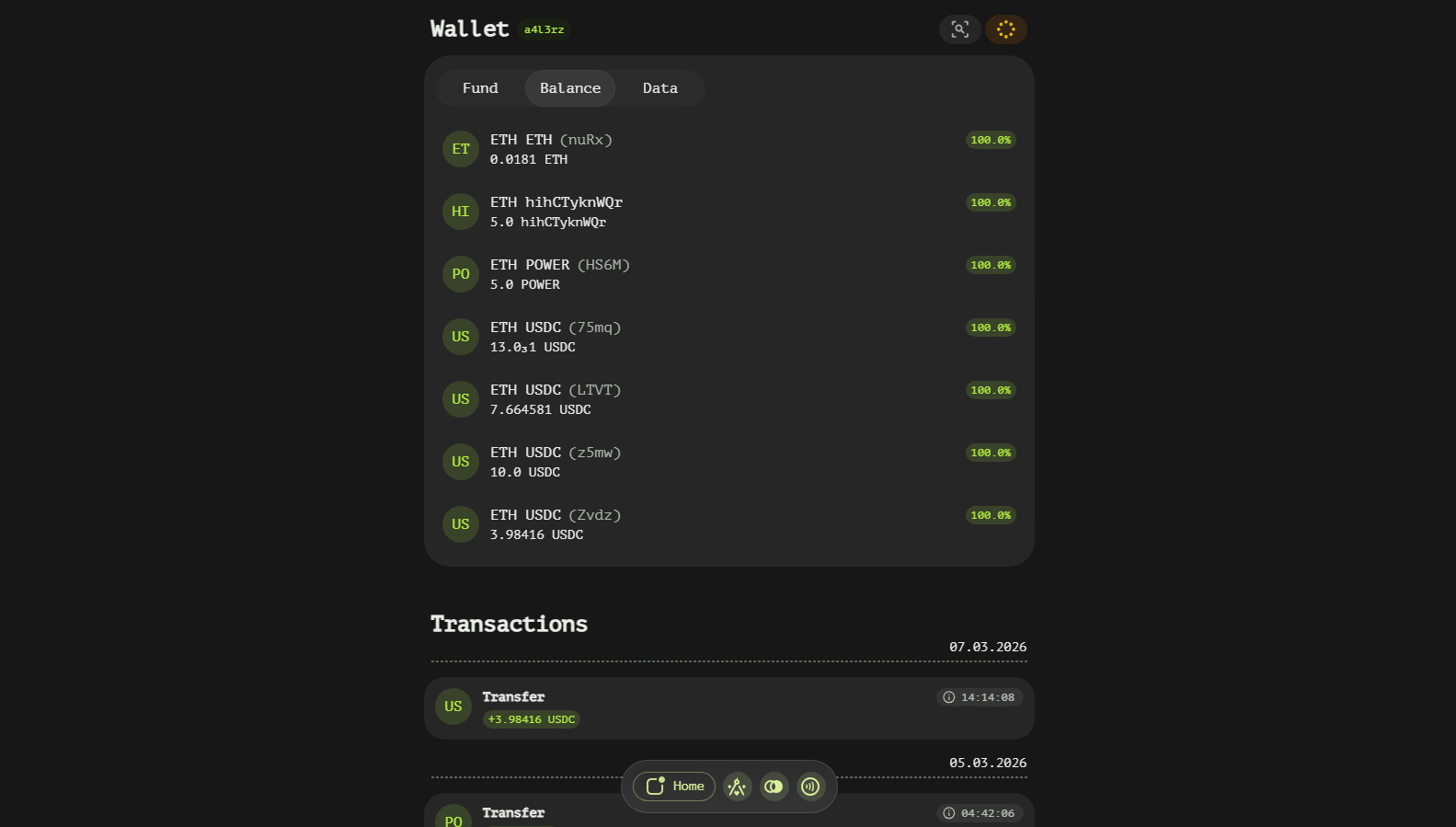
Benefits of the Desktop Version: - Runs in its own window, independent of the browser - Built-in debugger for advanced diagnostics - Integration with local system resources
Additional Resources
Source code, issue tracking and contribution guidelines live in the Tangent Wallet GitHub repository.