Portfolio Page
The Dex page doubles as the portfolio: four tabs — Trade, Swap, Earn and Wallet — cover market discovery, exchanges, liquidity provision and your own positions. Your account chip in the header opens the account selector, and the page can also display any other account's portfolio (paste an address in the account search).
Trade Tab
The Trade tab is the market list: every trading pair with its latest price and 24h change, sorted by activity. The search box (Search pairs: BTC / USDC) filters by symbol; typing a pair that doesn't exist yet lets you create it from the base and quote assets. Opening a pair goes straight to the trading terminal.
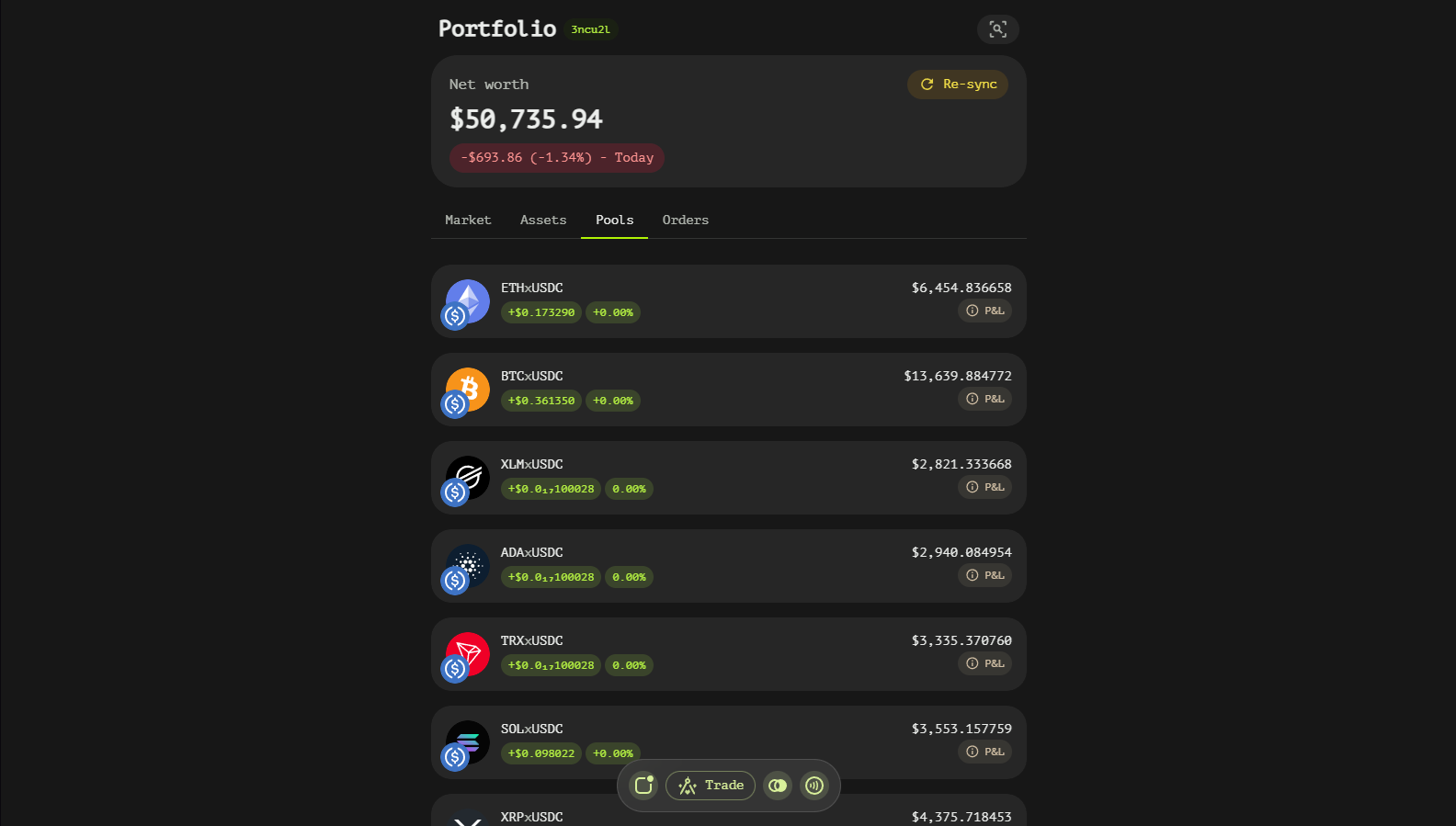
Swap Tab
The Swap tab exchanges one token for another along the best route. Enter the amount on either side (in or out), pick the tokens, and the router quotes the path — through liquidity pools or across the order book — before submitting. The slippage tolerance control caps how much price impact you accept.
Multi-chain tokens are labeled with their chain in the token pickers (TAN USDC, SOL USDC), so the synthetic unified form and the native form are never confused. Any variant works on either side: paying with a native variant is wrapped automatically by the market contract, and when the requested receive token is a native variant the router lands the swap on the unified asset and queues an additional 1:1 conversion step in the same execution plan, so the funds arrive as the selected native token, ready to withdraw to that chain. A pair of the unified asset and its own native variant (for example TAN USDC → SOL USDC) trades 1:1 without going through the book at all — it is quoted as a plain zero-fee swap card.
Earn Tab
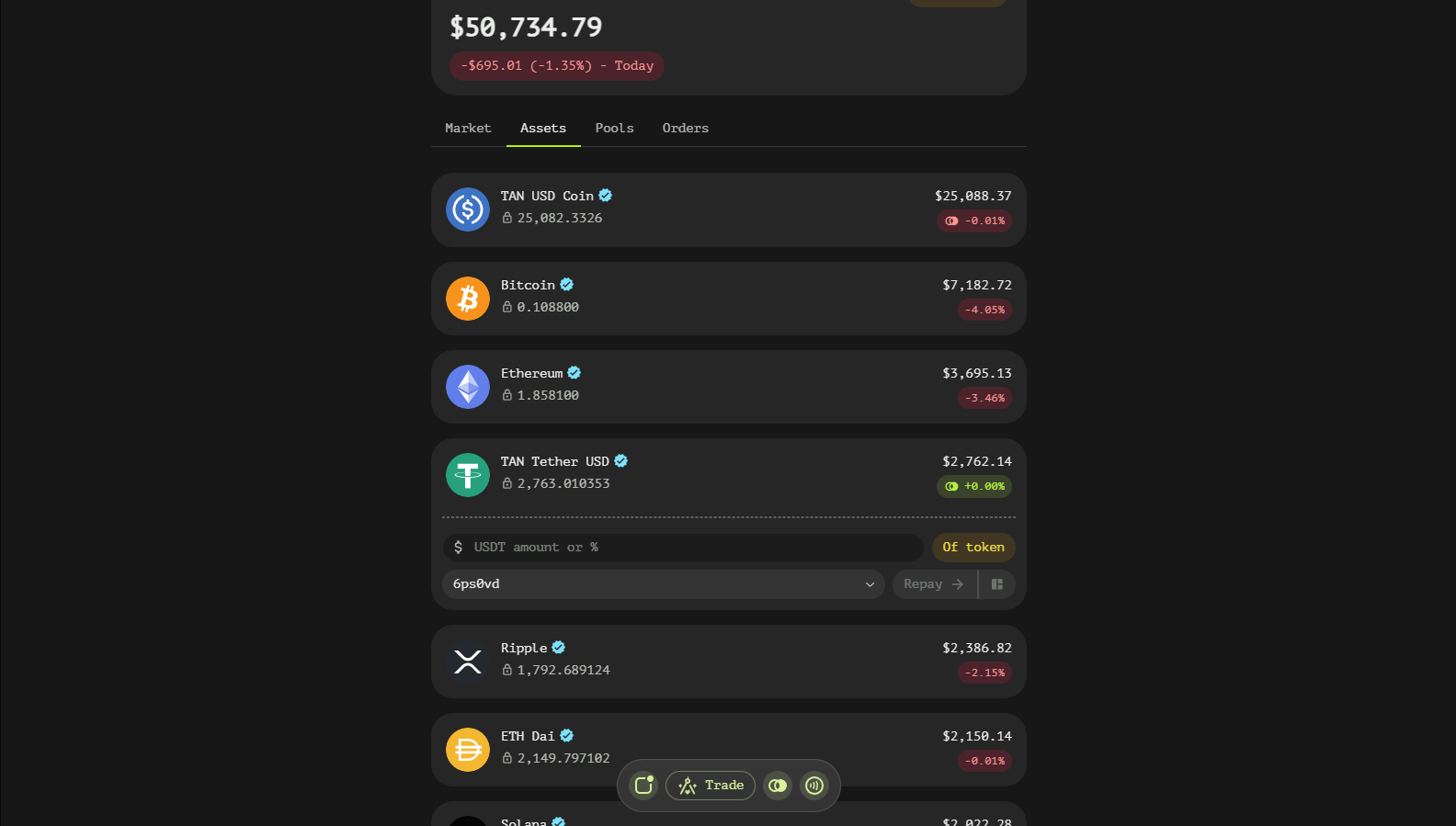
The Earn tab lists delegated liquidity pools: vault-operated concentrated positions anyone can fund. Each pool shows current value, APR/APY, 24h volume and the operator's fee; funding a pool delegates your assets into the operator-managed range, and the position shows up in your Wallet tab. The Earn cards are for deposits only — each card says so and links to the Wallet tab, where the position can also be withdrawn.
Wallet Tab
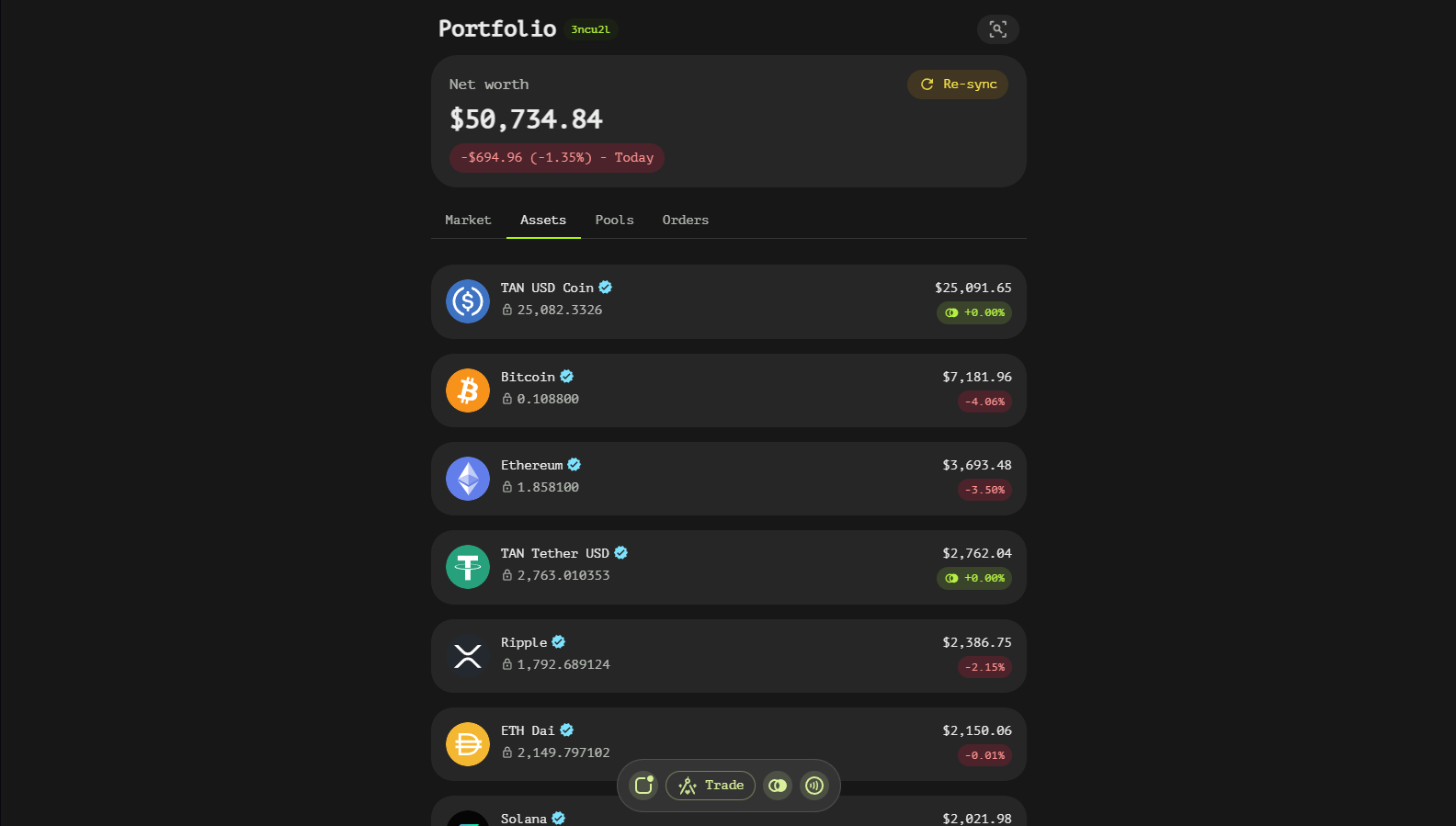
The Wallet tab is the account dashboard:
- Total balance window — overall portfolio value in fiat with a P&L toggle (today vs. all time) and a
Total / Availableswitch that includes or excludes balance locked by orders and positions. - Asset list — every holding with amount, market value and P&L. Multi-variant tokens (for example the same stablecoin on different chains) appear as unified assets with a
Wrapaction: wrap 1:1 into the unified form to trade them as one, unwrap back at any time without fees. - Delegated liquidity — your funded operator pools, with a
Historytoggle for withdrawn positions. Opening a position gives explicitAdd funds/Withdrawactions. A withdrawal picks what youEnd up with: both assets in amounts you set, or everything as one asset — the other side of the position is then swapped at the market rate inside the same execution plan, and the amount slider turns red past what the market can absorb. - Liquidity pools — your own LP positions, active and closed.
- Open orders — live orders placed from the terminal, with a
Historytoggle for settled and cancelled ones.
Everything on this tab is on-chain truth; USD values and estimates come from the DEX indexer.
Navigating
- Check the Wallet tab for total value and locked balance.
- Use Trade to find markets and Swap for instant routes.
- Provide liquidity from Earn (delegated) or the terminal's LP maker (self-managed).
- Track orders in the Wallet tab's open orders section.